You don’t need a full studio to make good videos for your business. If you’re searching for the right video equipment for small business content, the honest answer is that a few well-chosen pieces matter far more than a big shopping list. This guide covers what actually makes a difference on camera, what you can skip, and when it makes sense to bring in a professional crew instead.
Video equipment for small business: start with sound and light
Most people start by shopping for a camera. In practice, viewers forgive slightly soft images much more easily than muffled audio or a face lost in shadow. If your budget is limited, put it toward sound and light first, then upgrade the camera later.
A simple microphone
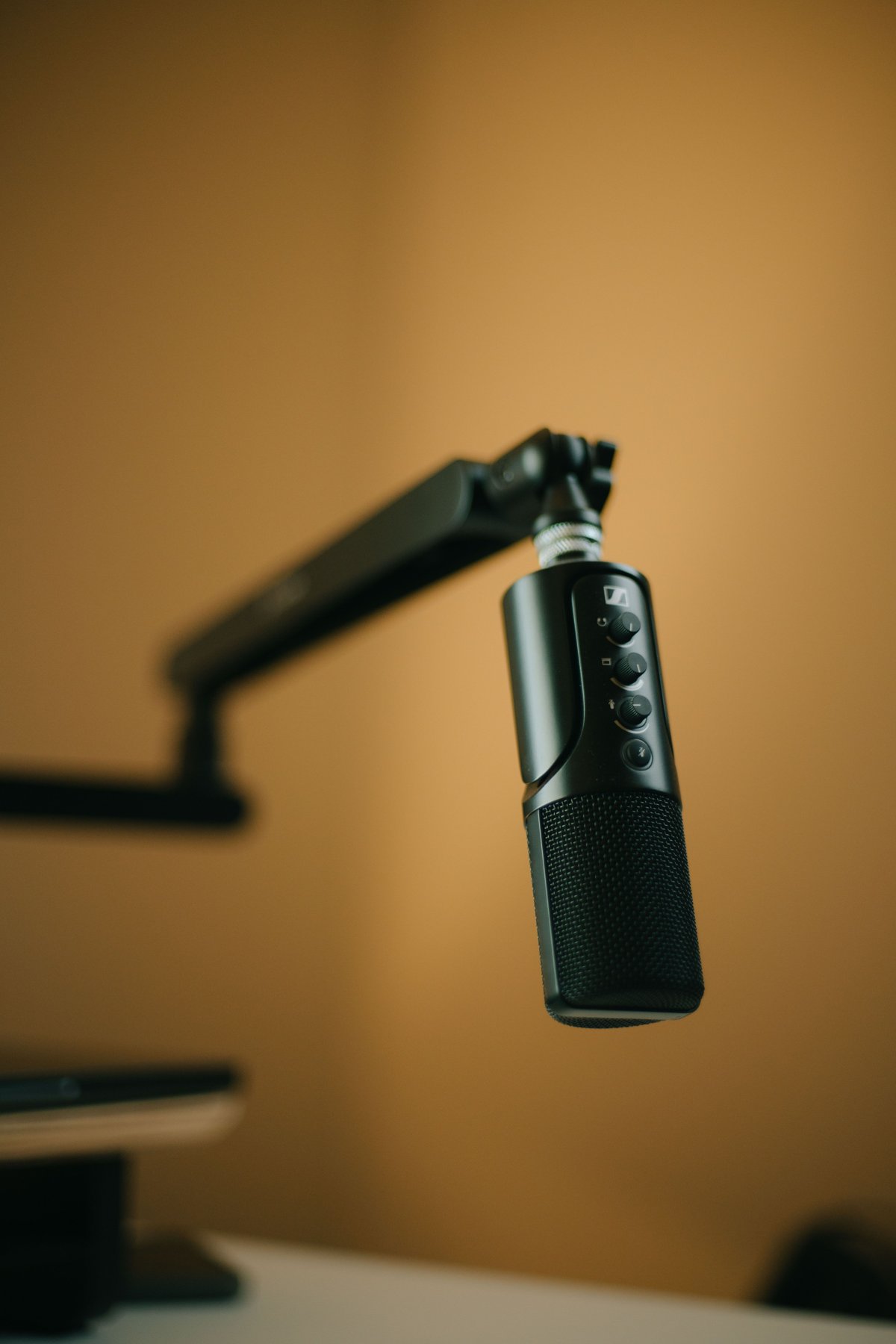
Built-in camera and phone microphones pick up the whole room: echo, air conditioning, traffic and the people talking nearby. A small clip-on (lavalier) microphone placed a few inches below the speaker’s chin captures a voice clearly and keeps background noise lower. Wireless lav kits are handy when someone is walking around a space, while a wired lav is fine for a seated interview. For voiceovers or a talking-head video recorded at a desk, a desktop USB or shotgun microphone close to the speaker works well too.
Whatever you use, wear headphones and listen to a short test recording before you film the real thing. It takes a minute and saves you from discovering a buzzing fan in the edit.
One soft key light
Window light is free and often beautiful, so start there: face the window or set it slightly to one side of the camera. When window light isn’t enough or changes too much through the day, add one LED panel with a softbox or diffuser. Soft, large light sources are more flattering than small, harsh ones, and a single well-placed light usually looks more natural than several lights pointed at someone from every direction.
Ring lights are popular for close-up beauty and makeup content, but for most business videos a softbox placed to one side gives faces more shape and looks less like a selfie.
Choosing a camera
Start with the phone you have
Recent smartphones record sharp video and are perfectly good for behind-the-scenes clips, quick tips and day-to-day social posts. Use the main (rear) camera rather than the selfie camera, clean the lens, lock focus and exposure on your subject, and film in good light. Those small habits make a bigger difference than a new device.
When a dedicated camera is worth it
A mirrorless camera with interchangeable lenses starts to pay off when you want a softer, blurred background, better results in dim spaces like restaurants or venues, longer recording without overheating, or a consistent cinematic look across a brand film. If you go this route, a fast prime lens (one fixed focal length with a wide aperture) is often a better first upgrade than a second camera body.
Keep it steady
Shaky footage is one of the quickest ways to make a video look amateur. A basic tripod with a phone clamp or camera plate covers interviews, product shots and talking-head videos. For walking shots through a space, such as a venue tour or a quick look around a clinic, a handheld gimbal smooths out movement. If you only buy one support, buy the tripod.
Small extras that help
- Extra batteries and storage. Running out of power or space mid-shoot is avoidable. Bring spares and clear your cards or phone storage the night before.
- A reflector. A simple fold-out reflector bounces light back into shadows for very little money.
- Gaffer tape. It holds down cables, marks where people should stand and fixes small problems without leaving residue.
- A backup copy plan. Copy footage to two places as soon as the shoot ends, such as a laptop and a cloud folder or external drive.
Set up for where the video will live
Before you hit record, decide where the video will be posted. Reels, TikTok and YouTube Shorts are vertical, while website banners and standard YouTube videos are horizontal. Filming in the right orientation from the start, or leaving enough room around your subject to crop later, saves a lot of frustration. YouTube publishes its recommended upload encoding settings if you want to check resolution and frame-rate options for your uploads. If you’re planning to turn one shoot into many posts, our guide to repurposing video content for social media walks through how to plan for it.
DIY gear or a professional crew?
A small DIY kit is great for frequent, casual content: quick tips, announcements and behind-the-scenes moments. A professional crew makes more sense when the video carries more weight, such as a homepage brand film, a launch, an event recap or a series you’ll use for months. A crew brings multiple cameras, controlled lighting, clean audio, a plan for every shot and an editor who shapes it into a finished story, so your team can focus on being on camera instead of running equipment.
Many businesses do both: a professional shoot every so often to create polished anchor pieces, plus simple phone videos in between to stay active on social media. You can see examples of finished projects on our Client Stories page.
FAQ
What is the most important piece of video equipment for a small business?
For most businesses it’s a decent microphone. Clear audio keeps people watching, and a simple clip-on mic is an affordable upgrade over a phone or camera’s built-in microphone.
Can I make professional-looking videos with just a phone?
Yes, for many kinds of social content. Add good light, a separate microphone and a tripod, and a recent phone can produce clean, watchable videos. A dedicated camera and crew help most with brand films, low-light spaces and a consistent cinematic look.
Do I need a ring light?
Not necessarily. Ring lights suit close-up beauty and makeup content. For interviews and most business videos, a window or a single soft LED light placed to one side tends to look more natural.
Want video without buying the gear?
Camcastic is a video and content studio serving Southern California and destination projects, making cinematic video, content and glam and 360 photo booth experiences for brands, venues, med spas and events. Browse our services, then get a quote and we’ll bring the cameras, lights and sound so you can focus on your story.

