Most small businesses film something great once, post it once, and then wonder why they never have anything to share. If you’ve been searching for how to repurpose video content for social media, the good news is that one well-planned shoot can feed your Instagram, TikTok, YouTube and website for weeks. This guide walks through how we think about planning, cutting and scheduling a single shoot so it keeps working long after the camera is packed up.
How to repurpose video content for social media: plan for it before you film
Repurposing is much easier when it’s part of the plan from the start. If you only think about it after the shoot, you end up stretching one clip across platforms where it doesn’t fit. If you plan for it, every setup on the day gives you several finished pieces.
Start with one main piece
Decide what the “hero” video is. For a med spa it might be a two-minute tour of the clinic. For a venue it could be a walkthrough of the space set up for an event. For a brand it might be a short founder story. Everything else you post will be cut from, or filmed alongside, that main piece.
Write a list of short ideas, too
Next to your hero video, jot down five to ten quick ideas that can each stand alone: one common question answered on camera, a behind-the-scenes moment, a product close-up, a “what to expect” clip, a team introduction. Each one only needs to make a single point. These become your Reels and Shorts.
Shoot for vertical and horizontal
Reels, TikTok and YouTube Shorts are vertical, while your website and a regular YouTube video are usually horizontal. You can either film with two cameras, one turned on its side, or shoot wide on a high-resolution camera and leave room to crop a vertical frame out of the middle later. Either way, keep the important action near the center so it survives both crops.
What to capture on the day
A little extra footage goes a long way. While you’re set up, grab these:
- B-roll. Slow, steady shots of hands, products, details and the space. These fill gaps in edits and work as background for text posts.
- Clean audio answers. Ask a few simple questions and let the person answer in full sentences, so each answer makes sense on its own.
- A few seconds of silence. Room tone helps smooth audio cuts later.
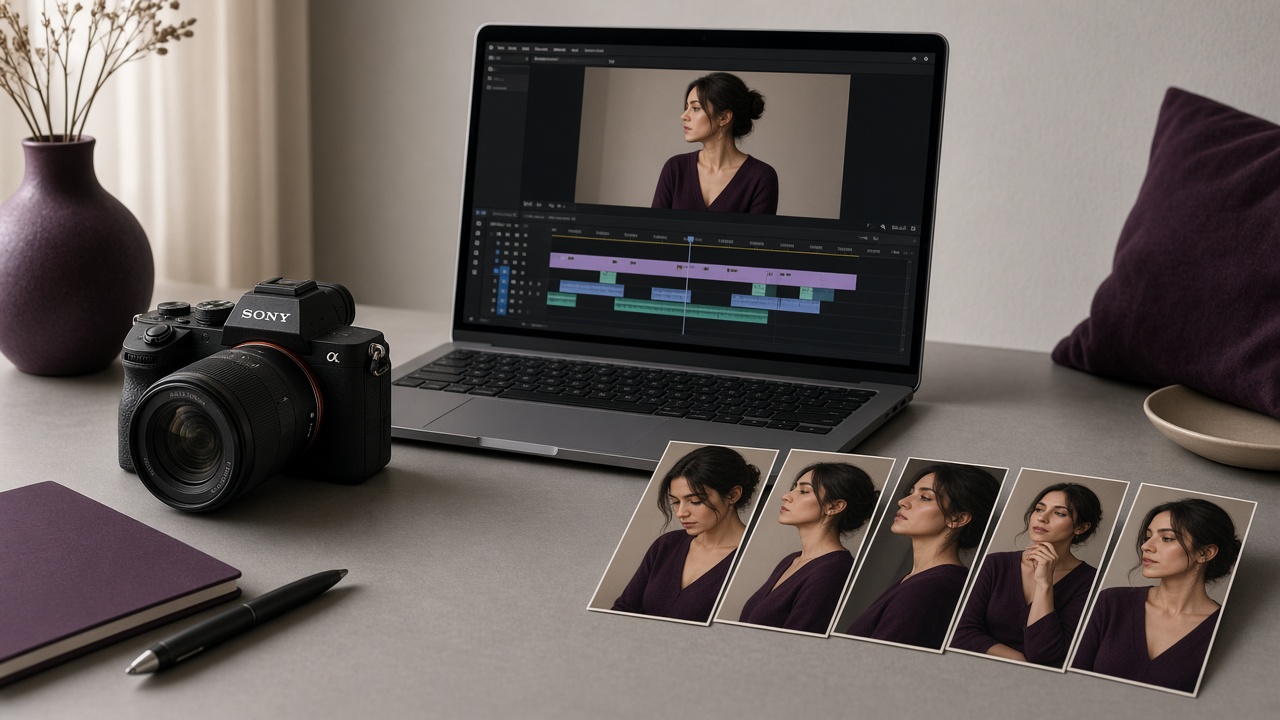
- Still frames. Take photos between takes, or pull stills from high-quality footage, for carousels, blog posts and your Google Business Profile.
- Behind-the-scenes clips. A phone in someone’s hand capturing the setup makes easy, casual stories.
Turn one shoot into many posts
Once the footage is in, the edit is where repurposing really happens. Here is a simple way to break it down.
Cut the hero video first
Finish the main piece before anything else. It sets the music, color and tone, so the shorter clips will feel like they belong to the same family.
Pull short clips from it
Look for moments that work without context: a strong sentence, a satisfying reveal, a beautiful detail. Each becomes a short vertical clip with its own hook in the first second or two. YouTube says Shorts can be up to three minutes long (see YouTube Help), but shorter clips that make one point are usually easier to finish watching.
Change the format, not just the length
The same footage can become very different posts:
- A question-and-answer Reel with captions on screen.
- A carousel of stills with a short tip on each slide.
- A quiet B-roll clip with a single line of text over it.
- A story series showing the shoot day from start to finish.
- A blog post or service page with the hero video embedded near the top.
- A short clip for an email newsletter or a paid ad.
Always add captions
Many people scroll with the sound off, and captions also make your videos accessible to viewers who are deaf or hard of hearing. Most editing apps and the platforms themselves can generate captions automatically. Just read them through before posting, because names, treatments and local place names are often misheard.
Tailor each post to its platform
Posting the identical file everywhere is better than posting nothing, but a few small changes help each version feel native:
- Instagram: pick a clean cover frame so your grid looks consistent, and write a caption that adds something the video doesn’t say.
- TikTok: a more casual, talk-to-camera feel often fits better than a polished edit.
- YouTube: write a clear, searchable title and description, since people find YouTube videos through search as well as the feed.
- Your website: put the hero video on the page it supports, such as a service page, and add a few lines of text around it so search engines understand what it shows.
Avoid leaving another app’s watermark on a clip when you post it somewhere else. Export a clean version from your editor for each platform instead.
Build a simple posting calendar
Once you have a folder of finished clips, spread them out. Lay out the next few weeks on a calendar and slot in the hero video first, then the short clips, carousels and stories around it. Mixing formats keeps your feed from feeling repetitive, even when it all came from one day of filming.
Keep a simple list of what you’ve posted and where. When a clip does well, you’ll know which footage to reuse, and you can come back to it months later with a new caption or a fresh edit.
Frequently asked questions
Is it okay to post the same video on Instagram, TikTok and YouTube?
Yes. Many brands share the same clip across platforms. Just export a clean file without another app’s watermark, and adjust the caption, cover and title for each one.
How many posts can I get from one shoot?
It depends on how much you plan ahead. A shoot built around one main video and a list of short ideas can usually produce a hero piece, several short clips, a few carousels and stories, plus stills for your website.
Can I repurpose old videos?
Often, yes. Older footage can be re-cut into a vertical format, given new captions, or combined with fresh B-roll. If the video shows outdated prices, staff or products, trim those parts or leave it in the archive.
Get more from your next shoot
Camcastic plans and films video and content for brands, venues, med spas and events across Los Angeles, Orange County and San Diego, with repurposing built in from the first call. See our video and content creation services, then reach out for a quote and tell us what you’d like your next shoot to do for you.

