
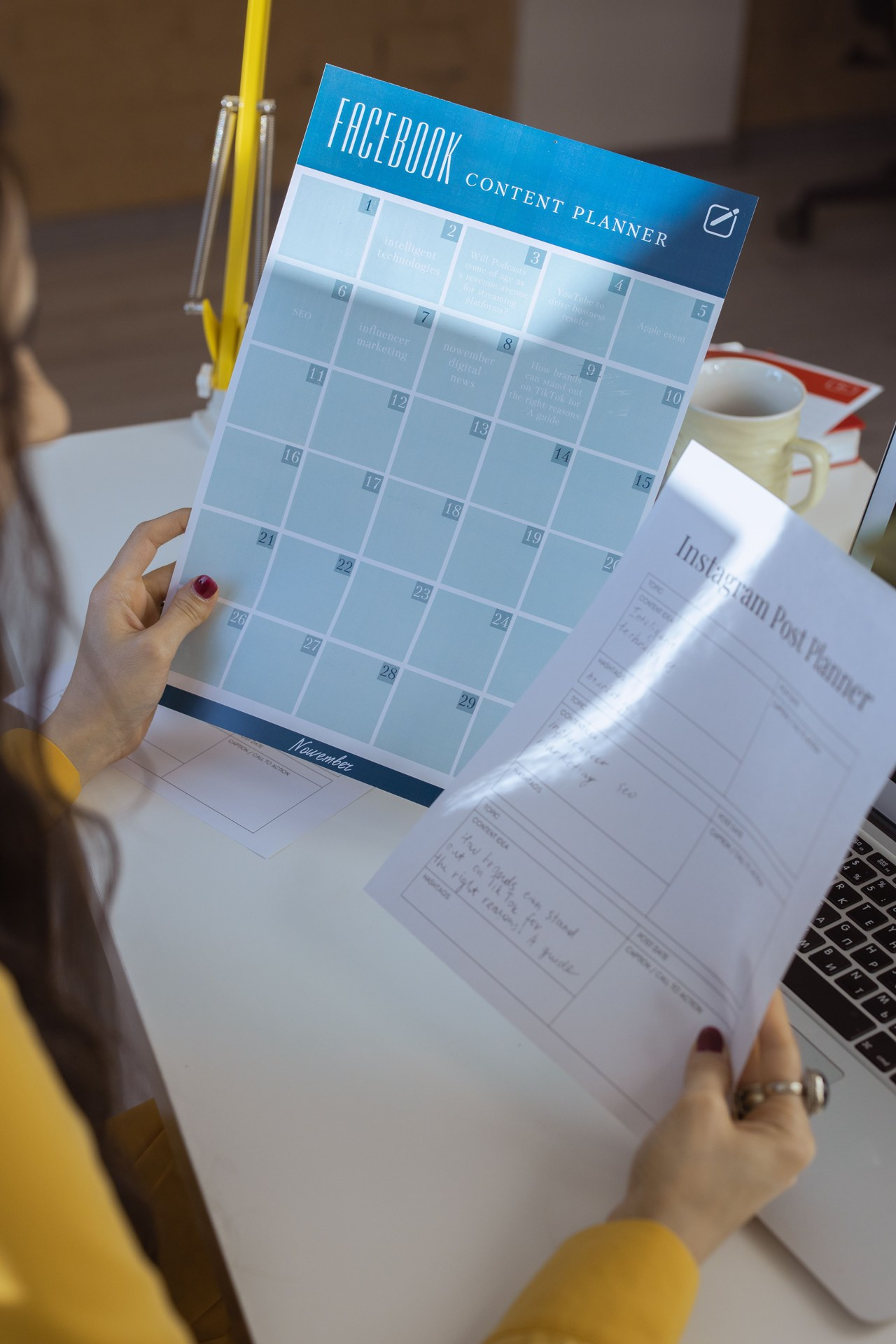
Most businesses don’t struggle with having nothing to say. They struggle with deciding what to post today, finding the right clip and remembering to hit publish. A simple plan fixes that. This guide walks through how to plan a social media content calendar that’s built around video, fits a busy schedule and keeps your feed consistent without daily guesswork. You don’t need fancy software. A spreadsheet or a shared calendar is enough to start.
Why a content calendar makes posting easier
A content calendar is a schedule of what you’ll post, where and when. It turns posting from a daily decision into a routine. When you can see the next few weeks at a glance, you notice gaps early, you can line up posts with launches, holidays and events, and you can film several pieces of content in one session instead of scrambling for something new each day. It also helps everyone on the team stay on the same page about what’s coming.
How to plan a social media content calendar in six steps
1. Start with your goals
Decide what you want social media to do for your business this quarter. Maybe it’s more booking inquiries, more people visiting your venue, awareness for a new treatment or simply staying top of mind with past clients. Your goal shapes what you post. A med spa promoting a new service will plan differently from an event venue filling its spring calendar.
2. Pick a realistic posting rhythm
Choose a schedule you can actually keep, then stick with it. Consistency matters more than volume. Posting three times a week every week usually beats posting every day for two weeks and then disappearing for a month. Write your rhythm into the calendar as empty slots first, such as Monday, Wednesday and Friday, so you know exactly how many posts you need to fill.
3. Create three to five content pillars
Content pillars are the recurring themes your posts rotate through. They keep your feed varied without making you reinvent it every week. For example, a business might use:
- Behind the scenes: setup, prep and the people who make it happen.
- Education: quick tips, answers to common questions and how things work.
- Results and moments: finished work, event highlights and transformations, shared with permission.
- Offers and announcements: new services, open dates and seasonal promotions.
- Personality: team introductions, favorite moments and the story behind the brand.
Assign a pillar to each slot so the week has a natural mix. If you need inspiration for what to film under each theme, see our list of video content ideas for small business.
4. Mark key dates first
Before filling regular slots, add the dates that matter to your business: launches, open houses, holidays, wedding season, seasonal promotions and big events you’re part of. Plan content to lead up to them, not just land on the day. A teaser a week before, a behind-the-scenes clip on the day and a recap afterward will do more than a single post.
5. Batch your filming
This is where a calendar really saves time. Look at the next four to six weeks and group every video that can be filmed in the same place or with the same people. Film them together in one session, then edit and schedule them over the following weeks. One well-planned shoot day can supply much of a month’s posts. Our guide on how to repurpose video content for social media shows how to turn one shoot into many posts.
6. Fill in the details for every post
For each slot, note the platform, the format (Reel, carousel, Story or long video), the pillar, a working caption or hook, the clip or file it uses and who’s responsible. A simple spreadsheet with those columns is all most businesses need. Leave a little room for timely posts, too, so you can react to something fun or newsworthy without throwing off the whole plan.
Tips for keeping your calendar on track
Plan monthly, review weekly
Map out the big picture once a month, then take fifteen minutes each week to confirm the next few posts are ready. That small check catches missing clips or captions before they become a last-minute problem.
Use your platform’s scheduling tools
Meta Business Suite lets you schedule posts and Reels for Facebook and Instagram, and YouTube Studio lets you schedule uploads, including Shorts. Scheduling ahead means posts go out on time even on your busiest days.
Learn from what works
Check your insights once a month. Notice which pillars, hooks and formats get the most saves, shares, comments and inquiries, then give those more space in next month’s calendar. Over time your plan gets sharper because it’s based on what your audience actually responds to.
Keep a backlog of evergreen posts
Save a handful of ready-to-post videos that aren’t tied to a date, like a tip, a tour or a team introduction. When a week gets hectic, you can drop one in and keep your rhythm going.
FAQ
How far ahead should I plan social media content?
Planning about a month ahead works well for most businesses. It’s far enough to batch your filming and prepare for key dates, but close enough that you can still adjust for news, new offers or what’s performing well.
What should a content calendar include?
At minimum, the date, platform, format, content pillar, caption or hook, the video or image file and who’s responsible. Adding a column for status, such as idea, filmed, edited and scheduled, makes it easy to see what still needs work.
Do I need a professional shoot to fill my calendar?
Not for every post. Quick phone videos are great for Stories and timely updates. A professional shoot is most useful for the core pieces, like your brand video, service highlights and polished Reels, which you can then cut into many smaller posts across the month.
Want a month of video content from one shoot?
Camcastic is a video and content studio serving Southern California and destination projects, creating cinematic video, content and glam and 360 photo booth experiences for brands, venues, med spas and events. We can help you plan a shoot around your content calendar so every clip has a place to go. Explore our services, see finished projects in Client Stories, and get a quote for your next shoot.

