Most people now watch short videos with their phone held upright, so learning how to shoot vertical video is one of the easiest ways to make your content look native on Instagram Reels, TikTok, YouTube Shorts and Stories. Vertical video isn’t just a regular video turned sideways. It changes how you frame people, where you put text, how you move the camera and how you light a scene. This guide walks through the settings, framing and simple habits that make vertical clips look clean and professional, whether you’re filming on a phone or a cinema camera.
How to shoot vertical video: start with the right format
For full-screen short-form video, the standard frame is 9:16, which is 1080 × 1920 pixels. Instagram’s own Help Center says Reels can be uploaded with an aspect ratio between 1.91:1 and 9:16, with a minimum frame rate of 30 frames per second and a minimum resolution of 720 pixels (Instagram Help Center). In practice, 9:16 fills the whole phone screen, so it’s the safest choice if you want your video to feel immersive and avoid black bars or awkward crops.
Settings to check before you hit record
- Resolution. Record at least in 1080p. If your phone or camera can shoot 4K, that gives you extra room to crop or reframe later.
- Frame rate. 24 or 30 frames per second looks natural for talking and everyday scenes. Use 60 frames per second if you want to slow a moment down smoothly in the edit.
- Lock exposure and focus. On most phones you can tap and hold on your subject to lock them, which stops the image from pulsing brighter and darker as people move.
- Clean the lens. A fingerprint on a phone lens is the most common reason footage looks soft or hazy.
Framing for a tall, narrow screen
A vertical frame has a lot of height and very little width. That’s great for people, products and architecture, and harder for wide group shots or landscapes. A few framing habits make a big difference:
- Keep your subject near the center. There’s little room on the left and right, so subjects drifting to the edges get cut off quickly.
- Put eyes in the upper third. For talking-head clips, place the person’s eyes about a third of the way down the frame, with a little headroom above.
- Get closer. On a small screen, chest-up shots and close details read much better than wide shots where everyone looks tiny.
- Use height on purpose. Tall subjects like a full outfit, a staircase, a doorway or a bottle on a counter fit the format naturally.
- Watch the background. Simple, tidy backgrounds keep the focus on your subject. Clutter is more distracting when the frame is narrow.
Leave room for captions and buttons
Apps place usernames, captions, like buttons and progress bars over the bottom and right side of the video. Keep faces, products and on-screen text away from those edges, roughly in the middle of the frame. A good test is to post a draft privately or preview it in the app before publishing so you can see what gets covered.
Steady, simple camera movement
Shaky footage is more noticeable when it fills an entire screen. You don’t need expensive gear to fix it:
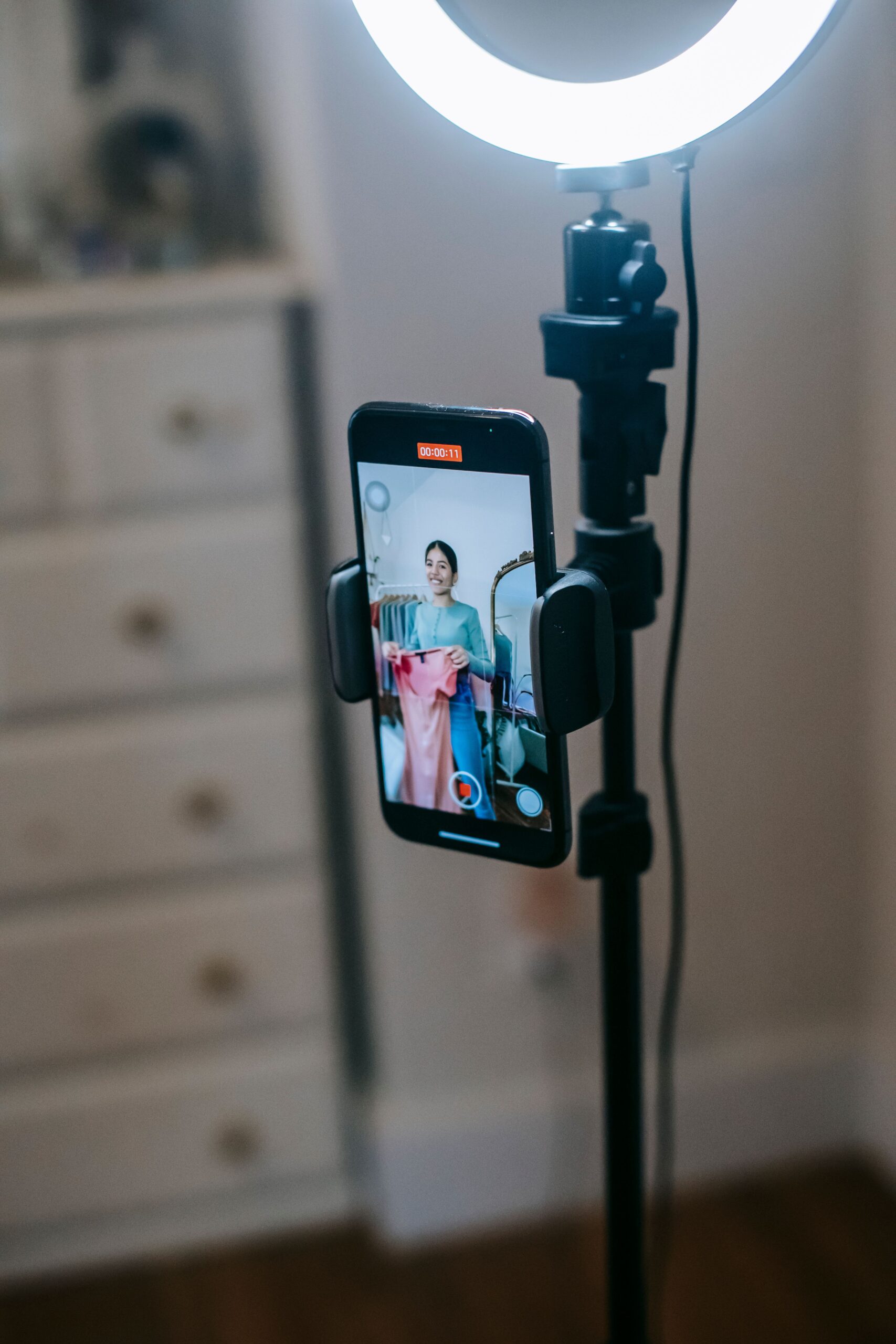
- Use a tripod or a phone mount for talking clips and product shots.
- Hold the phone with both hands and keep your elbows tucked in when filming handheld.
- Move slowly. A slow push toward a product or a gentle walk alongside a person looks more cinematic than fast swings.
- Try a gimbal if you film a lot of walking shots, venue tours or event moments.
If you shoot with a mirrorless camera, many tripods and cages let you rotate the camera into portrait orientation, so you record a true vertical frame instead of cropping a horizontal one.
Light the face, not just the room
Good light matters more than the camera. Face a window for soft, flattering daylight, and avoid standing with a bright window behind you, which turns people into silhouettes. Indoors, a small LED panel or ring light placed slightly above eye level brightens faces and adds a catchlight to the eyes. Try to avoid mixing very different colors of light, like warm lamps and cool daylight, on the same face.
Sound you can actually hear
Many people watch with the sound on, and poor audio makes viewers swipe away fast. A small clip-on or wireless microphone is one of the best upgrades for talking videos. Film in a quiet space, turn off loud fans or music, and add captions so viewers watching on mute can still follow along.
Plan the first three seconds
Short-form viewers decide quickly whether to keep watching. Open with the most interesting moment: the reveal, the result, the question or the movement. Keep clips short, cut out pauses, and change the shot every few seconds with a new angle or a close-up. If you’re filming a business or service, our guide on repurposing video content for social media shows how one shoot can feed weeks of vertical posts.
Should you shoot vertical and horizontal at the same time?
If you need both a website or YouTube video and social clips, plan for both formats from the start. Some teams shoot two passes, one vertical and one horizontal. Others shoot horizontally in high resolution and keep the subject centered so a vertical crop still works. The key is deciding before the shoot, because a wide shot with people at the edges can’t be rescued into a good vertical clip later.
FAQ
What size should a vertical video be for Instagram Reels?
Use a 9:16 aspect ratio at 1080 × 1920 pixels for full-screen Reels. Instagram accepts ratios between 1.91:1 and 9:16, with at least 30 frames per second and 720 pixels of resolution.
Can I shoot vertical video on my phone?
Yes. Modern phones shoot excellent vertical video. Focus on steady framing, good light and clear audio, since those matter more than the device.
Is it better to crop horizontal video into vertical?
It can work if you shoot in high resolution and keep your subject centered, but filming natively in vertical usually gives better framing and sharper results for social media.
Get vertical video made for you
Camcastic is a video and content studio serving Southern California and destination projects, creating cinematic video, content and glam and 360 photo booth experiences for brands, venues, med spas and events. See what we offer on our services page, browse finished projects in Client Stories, then get a quote and we’ll plan vertical content that looks great on every phone.

